
Context: Design-a-thon @ University of California, Irvine (UCI)
Timeline: 2 Days
Team: 4 person team
My Role: UI/UX
Goal: Develop a career website where job recruiters can have a holistic view of candidates
About Aurora
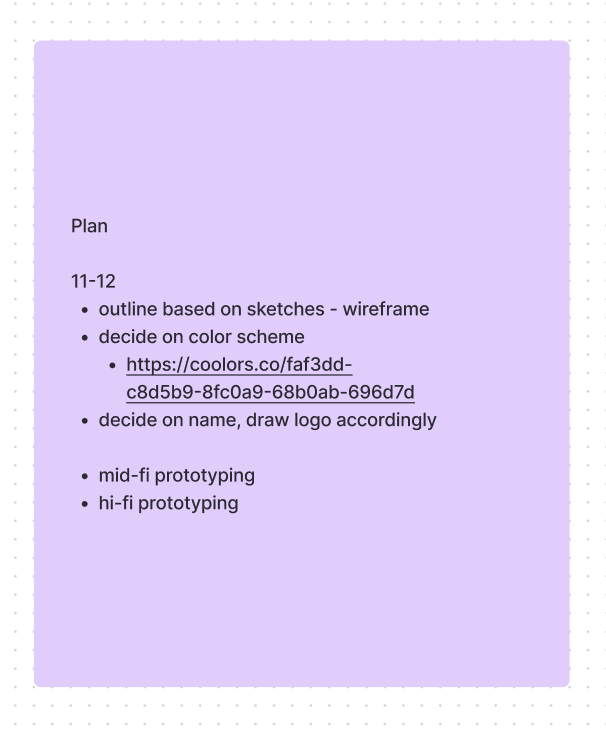
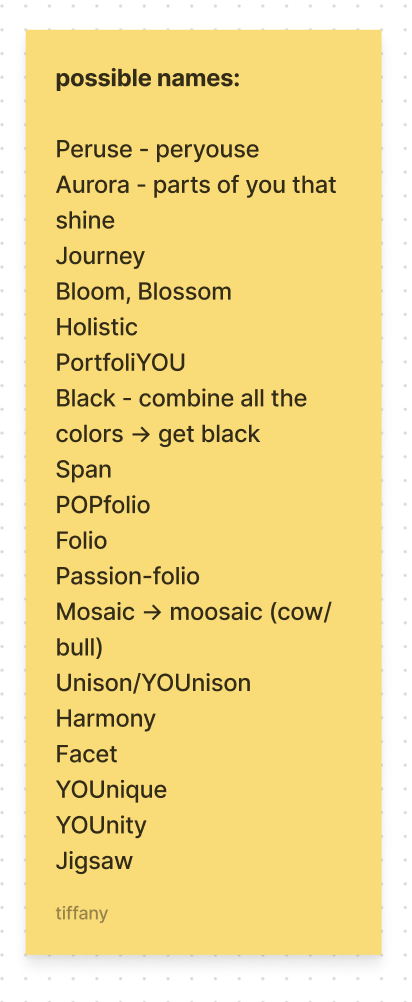
Our platform, Aurora, is a career development site that embodies creativity, inclusivity, and inspiration. Our name draws from aurora borealis — just as northern lights illuminate the sky, we hope our users radiate as their most colorful selves. To do so, each user on our site can create a personal page that showcases their unique identity. On Aurora, there are various features to encourage multifaceted expression, which users can add to their pages, organized in a way that is clean and professional. By encouraging a holistic career development process, our application fosters a more inclusive society through allowing candidates to showcase themselves fully rather than feeling the need to conform to traditional standards. When designing their pages, we hope that users will be able to present their most authentic selves, inspiring others with their creativity and skill set. Conversely, recruiters can appreciate candidates for more than typical resume experiences, understanding them as individuals and evaluating their fit for a specific company.
Brainstorming
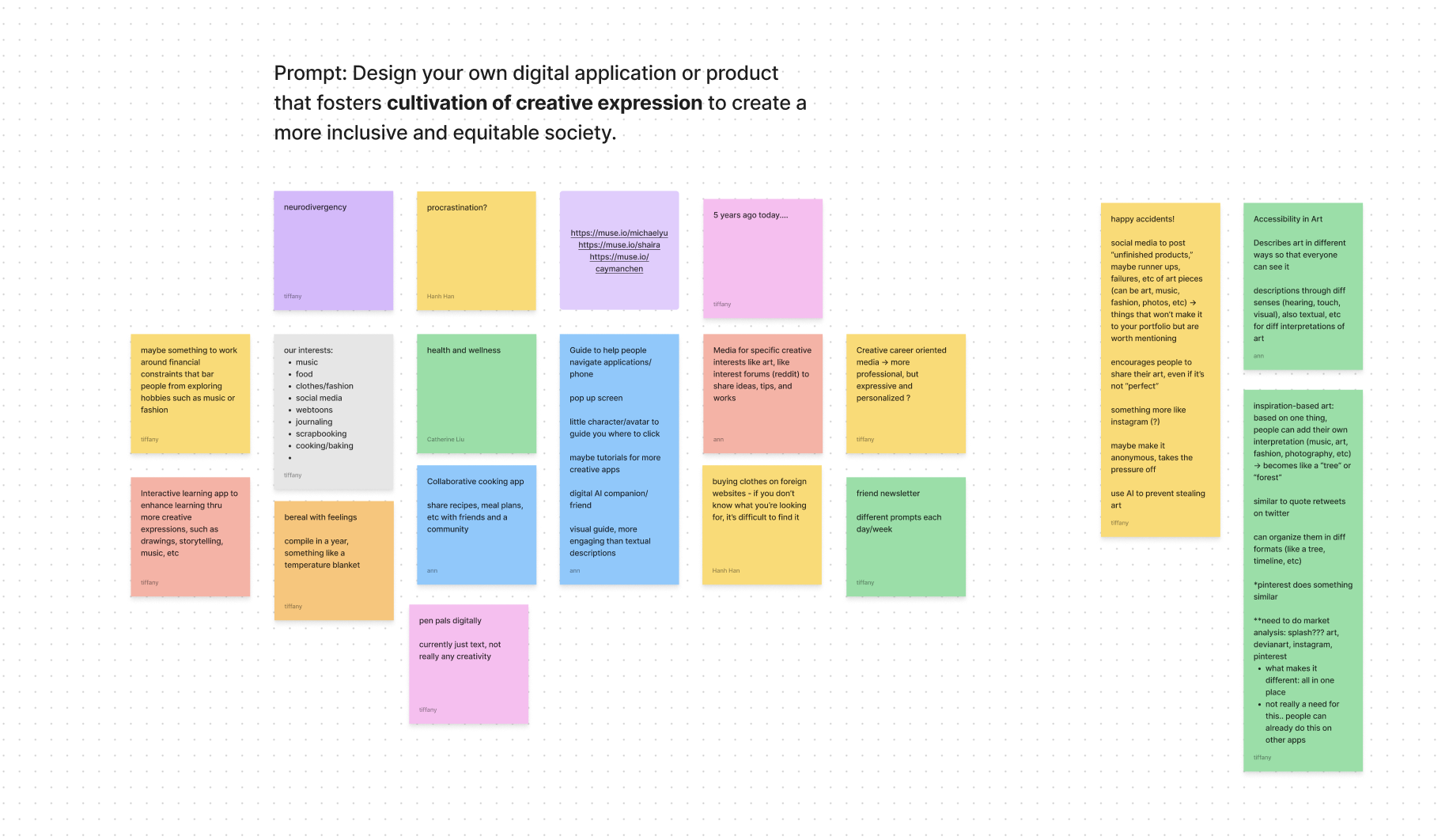
The prompt for this Design-a-thon was to "Design your own digital application or product that fosters cultivation of creative expression to create a more inclusive and equitable society." We spent a long time brainstorming and discussing potential ideas and flushed out a few: Happy Accidents!, Accessibility in Art, and what would become Aurora.
Happy Accidents was an idea to create a social media platform celebrating things that are imperfect, unfinished, and unpolished—the opposite of the edited and perfected social media we know today. The name was inspiried by Bob Ross who would describe artistic mistakes as "happy accidents". Accessibility in Art would be a platform encouraging people to post art(visual art, music, etc.) and other users would be able to respond in a stream with their interpretation of that piece appealing to a different sense. For example, an artist posts a painting, and then a musician responds with the musical version, in their interpretation, of that piece.
Our team ended up going with Aurora because it resonated with us as college students who were always on Linkedin and looking for jobs. We felt that we would appreciate a more holistic career site that considered soft skills, interests, personality, and fit with a company among other factors.
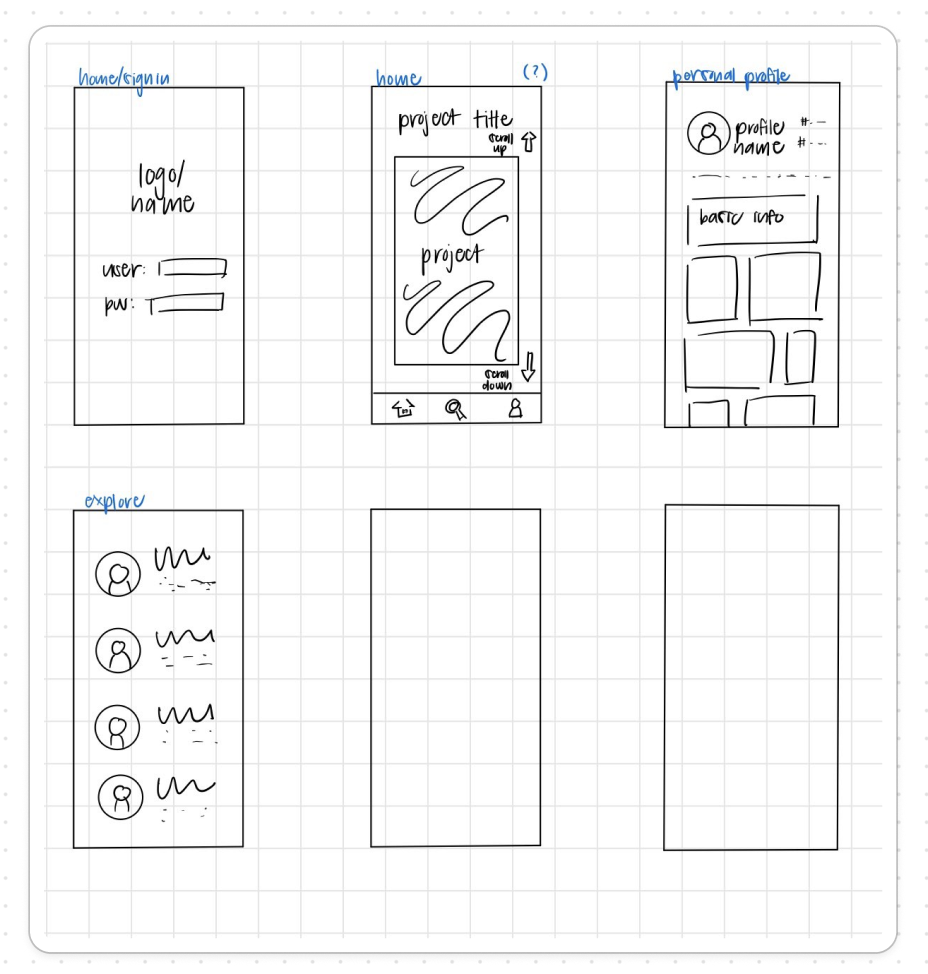
Low-Fidelity Mockups
How Aurora Works
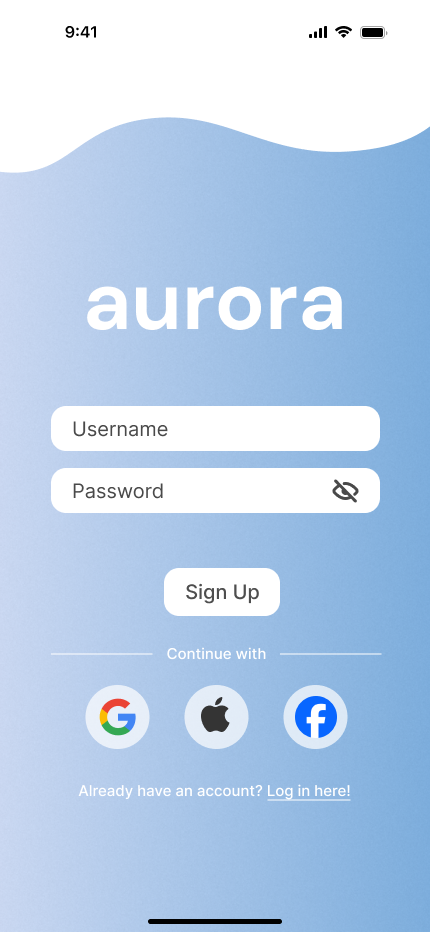
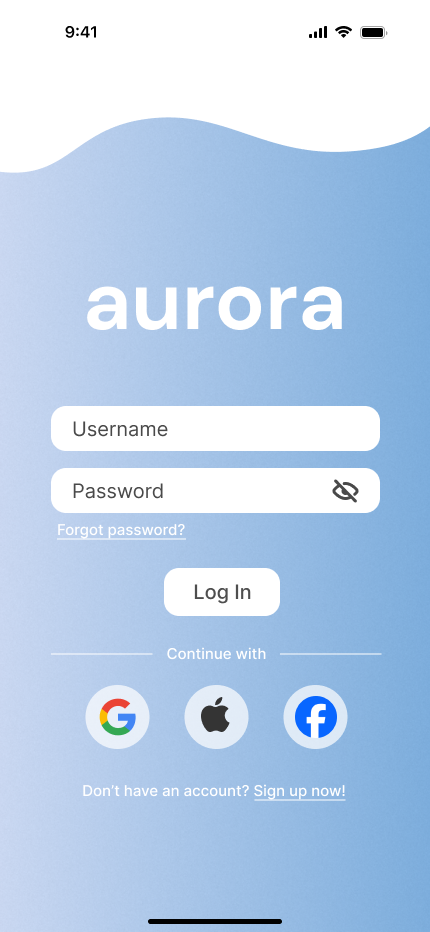
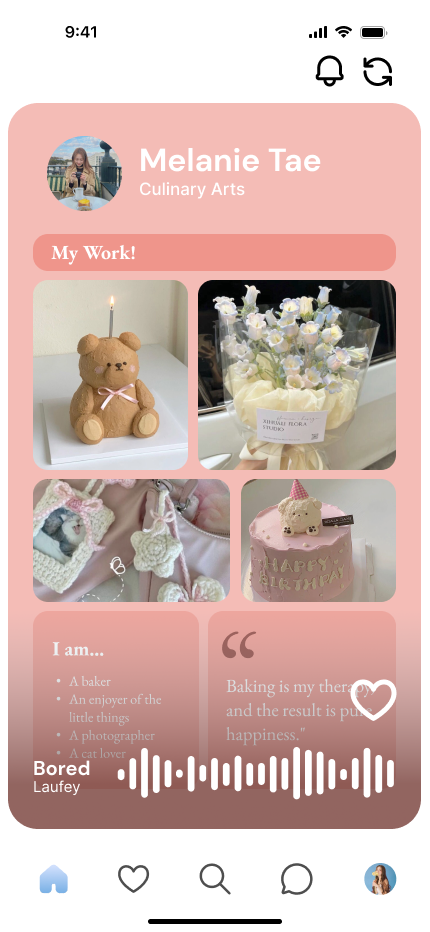
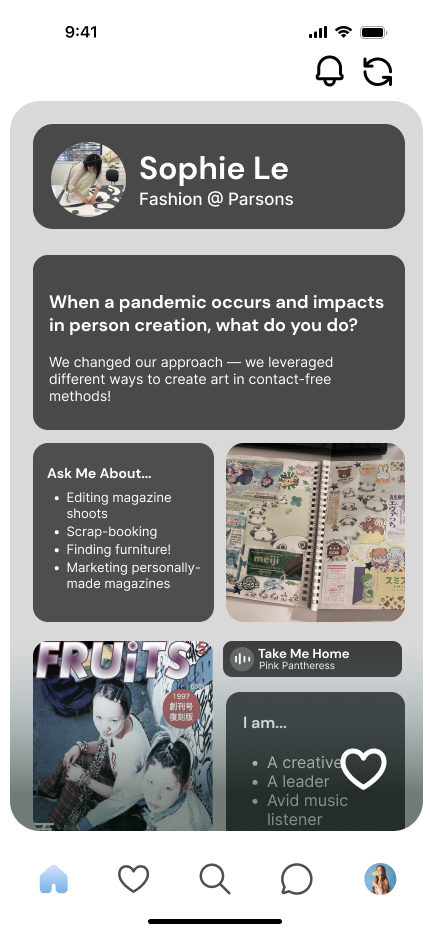
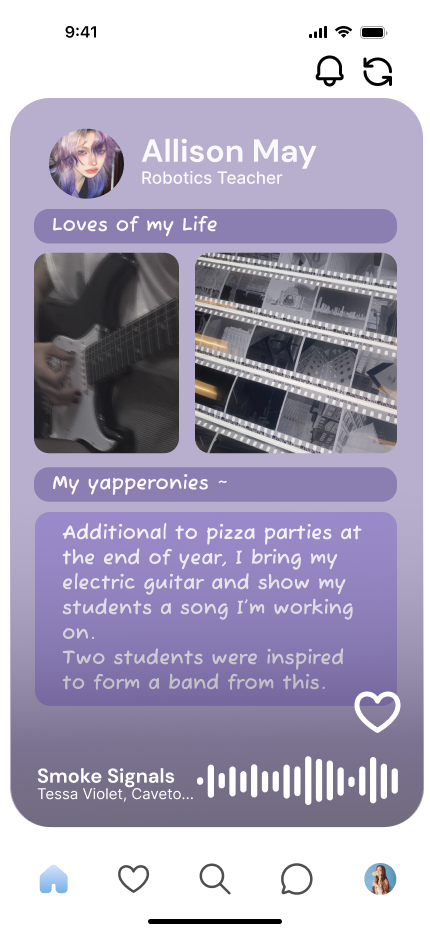
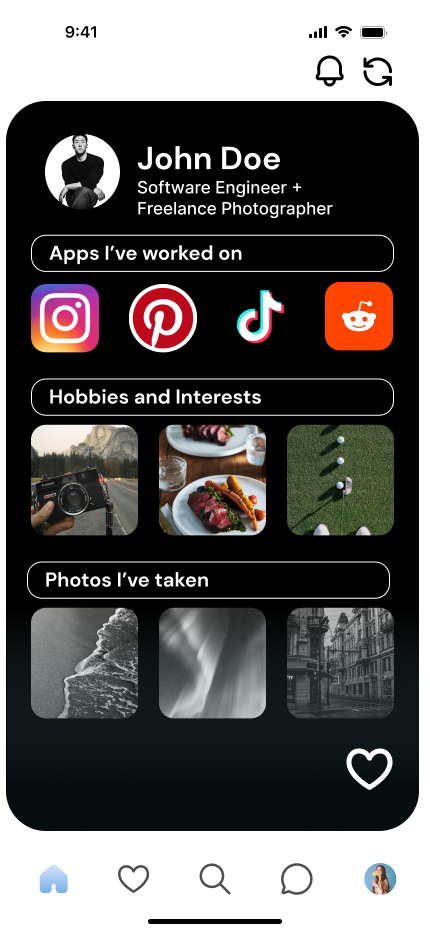
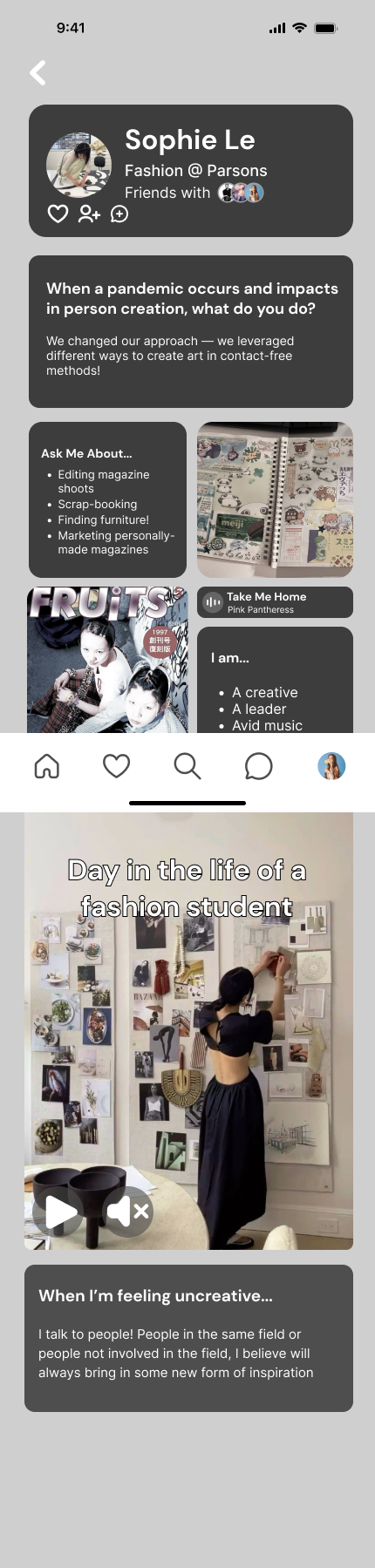
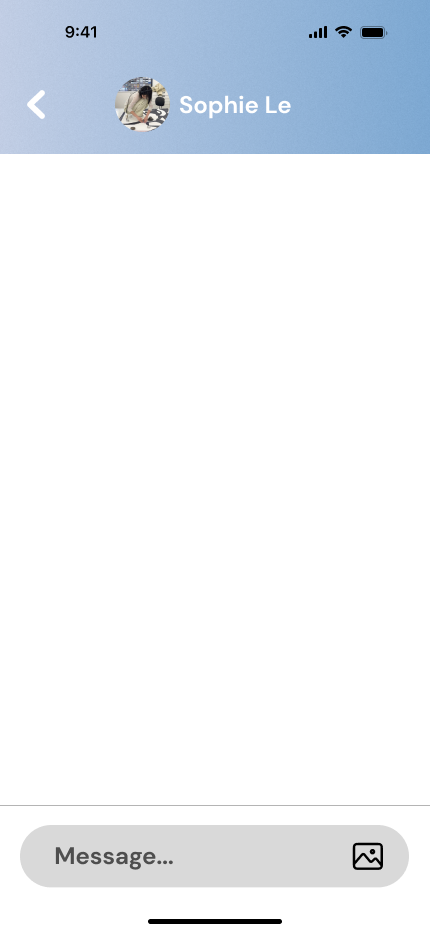
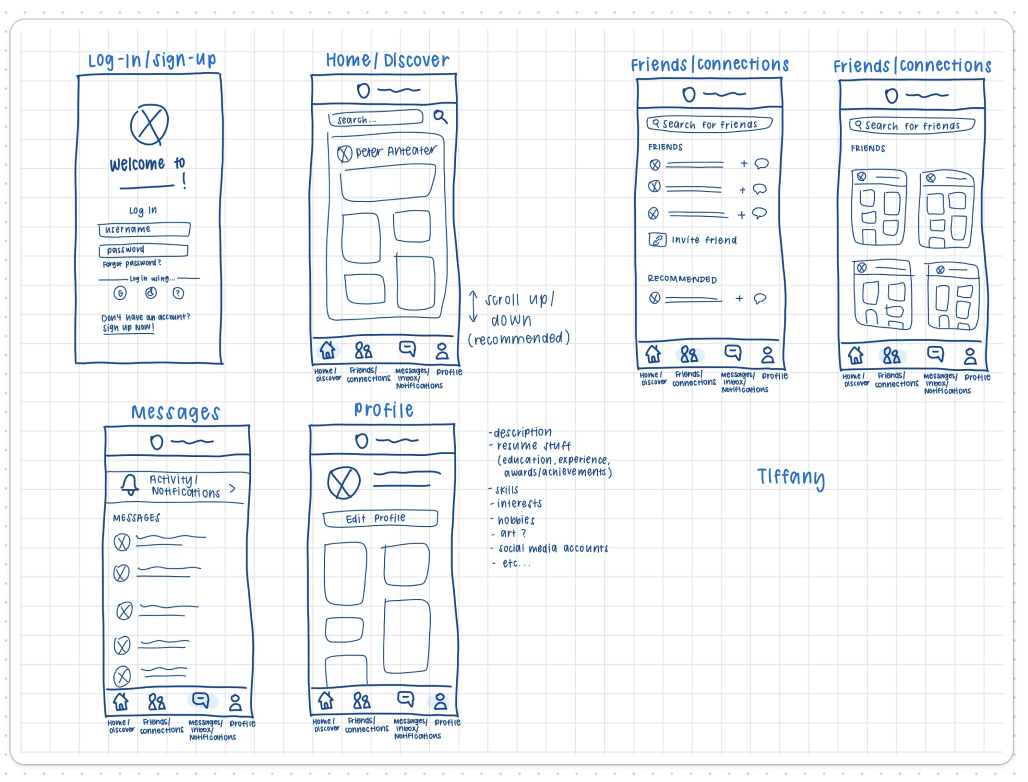
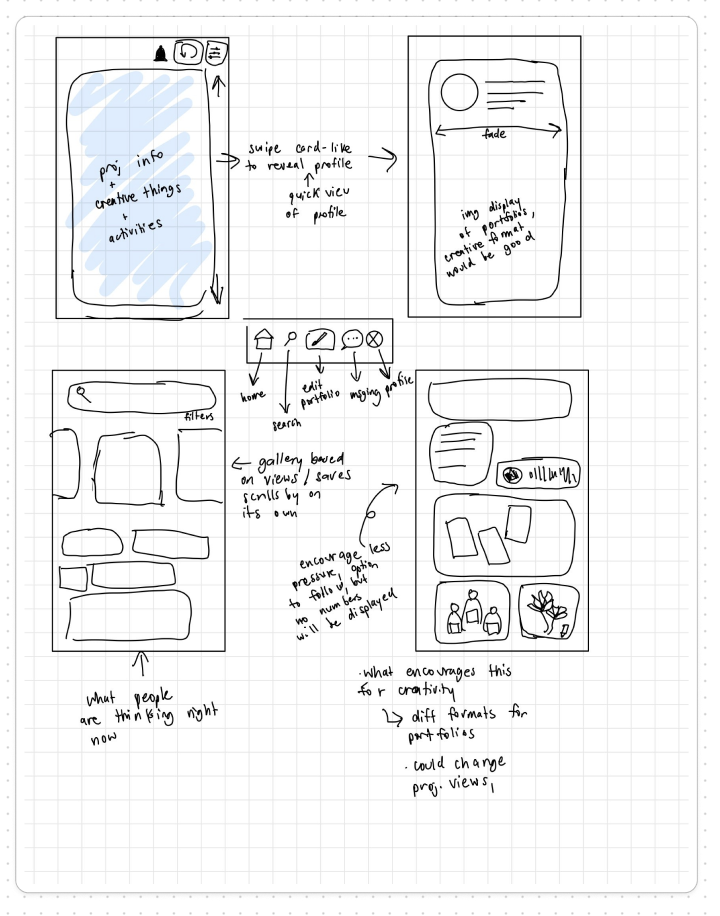
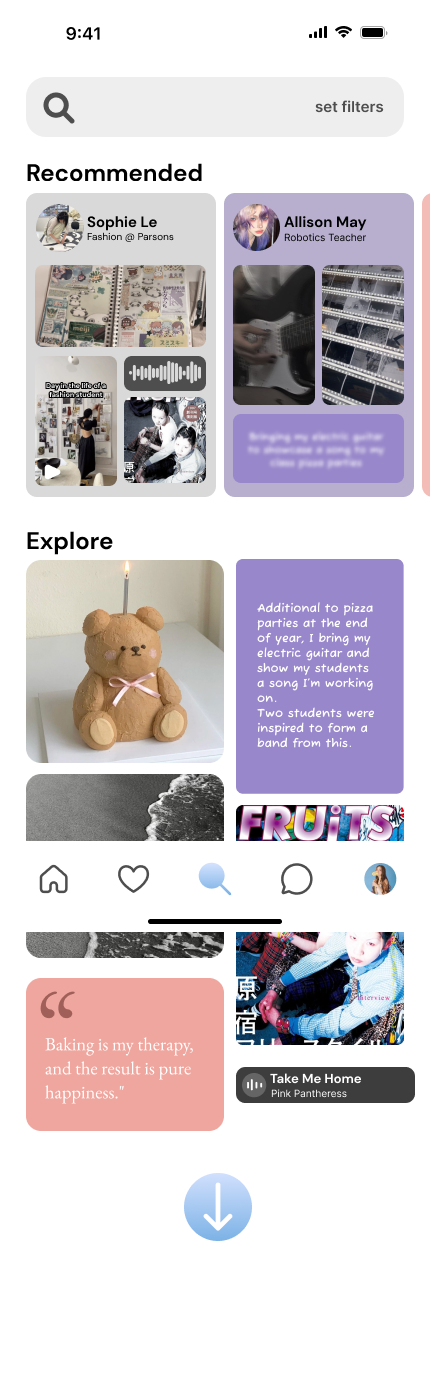
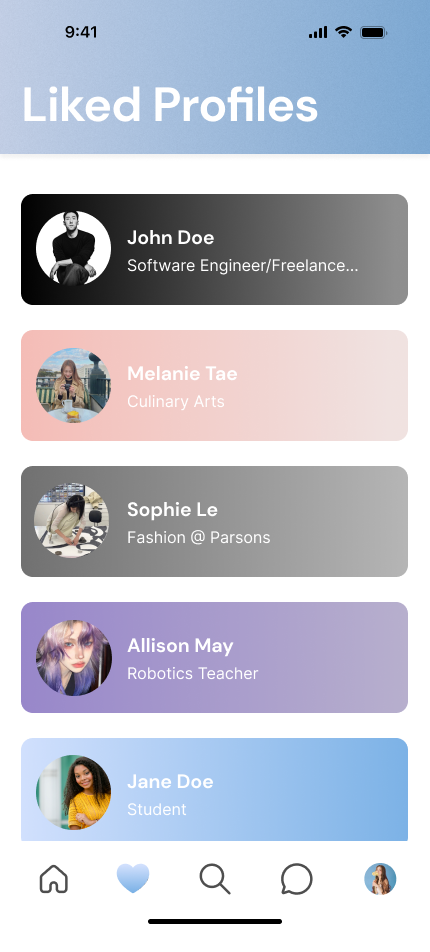
Users are first prompted to log in, and then once logged in, they will see a home page where other user profiles are recommended to them. They can scroll down to see a new profile or up to see the previous profile. Through this feature, we strive to foster a connected community where users can know each other and inspire each other. This home page is also a great way for recruiters to quickly explore many candidates and get a glimpse into their personalities/lives. Users have the option to set music for the preview of their pages when shown on the home screen, to play as others are browsing through their profile. This feature is also a great way for musicians to share their music—by setting it as the sound that plays on their profile.
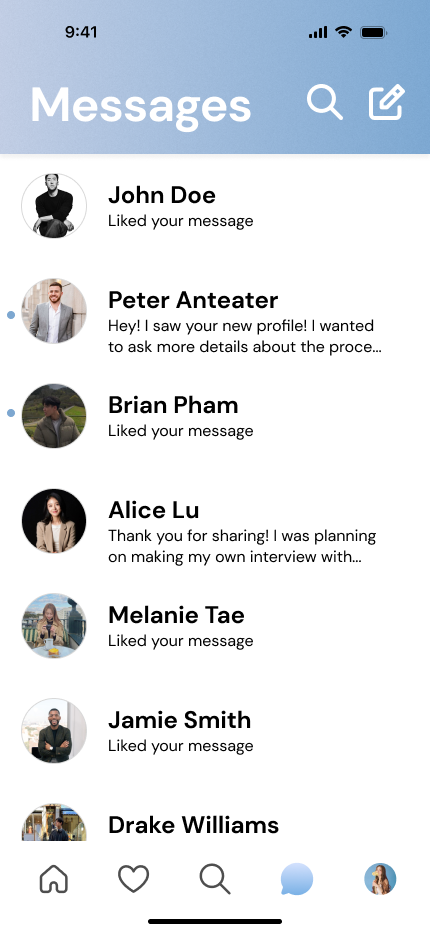
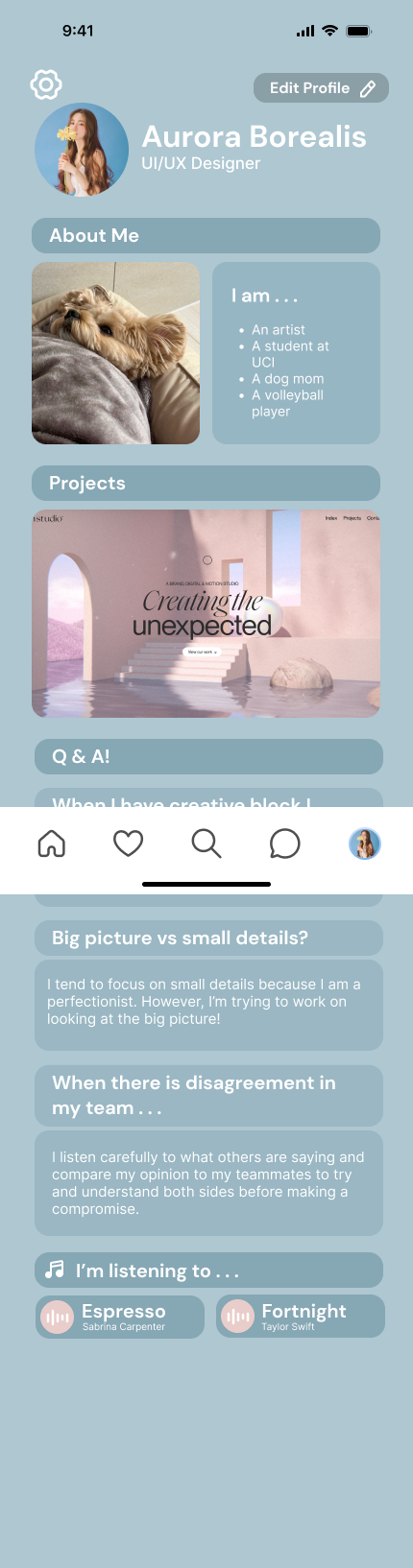
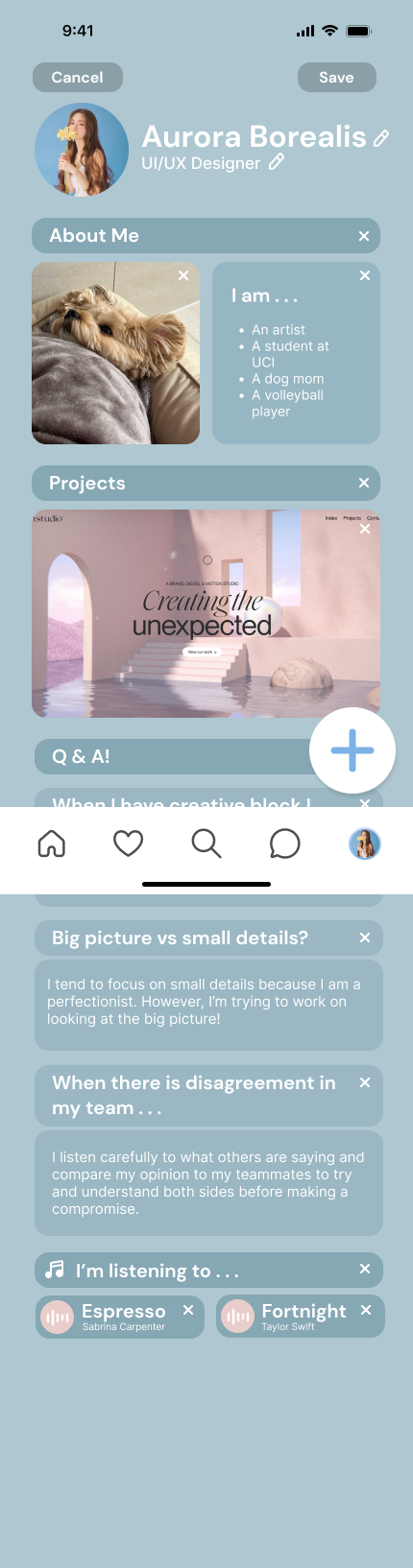
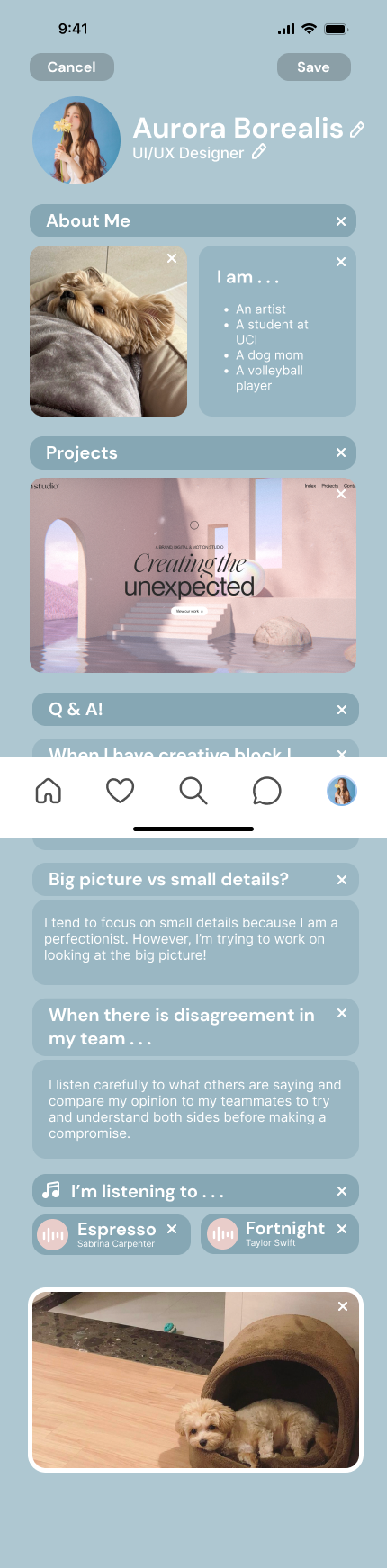
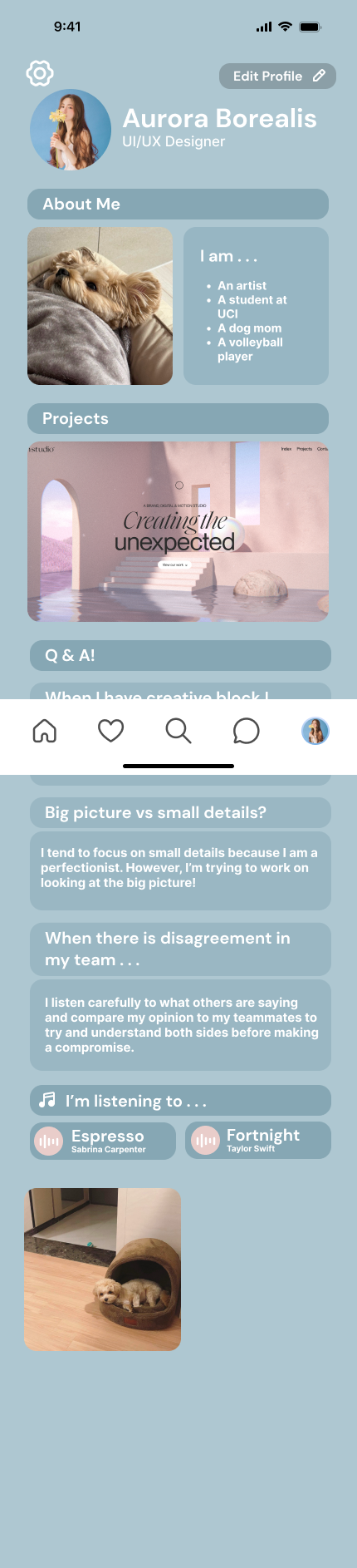
Users’ individual pages allow for the choice of color schemes and fonts that set the tone and vibe of the page. Additionally, users can include images, files, text boxes, links, and more to showcase various sides of their lives, whether that be a past project or a cute picture of their pet. Another feature that users could add to their pages is behavioral/technical Q&A, which is mainly catered towards recruiters, as they can save interview time by getting to know candidates better. A possible question could be a specific scenario and how the user would respond. The user could then link a successful project along with the answer to show that they successfully navigated that scenario. All features that the user puts out are shown as “bubbles” and can be ordered and/or sized by the user’s preference. Clicking on specific bubbles will make them pop up on the page for the viewer to see more details.